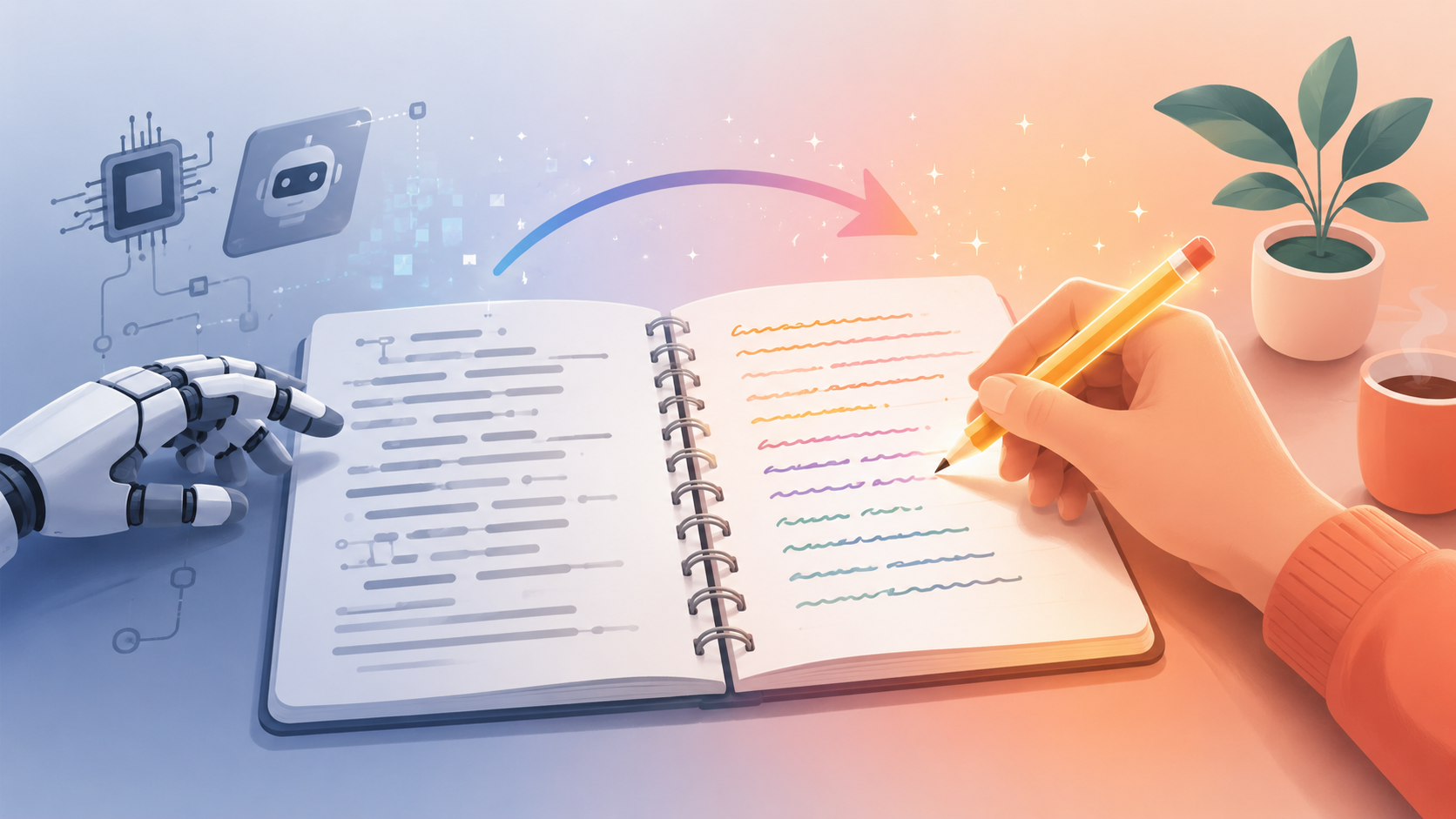
You know the feeling. You ask ChatGPT for a paragraph, and what comes back is correct, polished, and completely lifeless. Every sentence is the same length. Every idea gets wrapped in "Moreover" or "In today's fast-paced world." It reads like a press release written by someone who has never actually had an opinion. That flatness is exactly what "humanizing" AI text is meant to fix.
This guide breaks down what humanizing actually means (it's not the same as rewriting), why AI text sounds robotic in the first place, the manual techniques that work, and how to use an AI humanizer tool the right way — including where it can go wrong.
What Does "Humanizing AI Text" Actually Mean?
Humanizing and rewriting get used interchangeably, but they're not quite the same job. Rewriting changes sentence structure and word choice so a passage reads differently. Humanizing goes a step further: it targets the specific patterns that make text feel machine-generated in the first place, so the final version reads like a person actually wrote it, with a point of view, some rhythm, and a few rough edges.
A humanized piece of text should do three things a raw AI draft usually doesn't:
- Vary in rhythm. Real writers don't produce uniform sentence lengths. They write a long, winding sentence and then follow it with three words.
- Carry a point of view. AI models default to balanced, hedge-everything language. Human writing takes a position, even a small one.
- Include specific, ungeneralizable detail. A model will say "many people find this helpful." A person will say what actually happened to them, or name the exact thing that worked.
None of this is about deception. Most people humanizing AI text aren't trying to hide that a model helped draft it — they're trying to make sure the version that goes out under their name actually sounds like them.
Why AI Text Sounds Robotic in the First Place
To fix the problem, it helps to know where it comes from. Large language models are trained to predict the most statistically likely next word, which means their default output gravitates toward the safest, most average phrasing available. That's useful for getting a coherent answer fast, but it's the opposite of what makes writing feel human.
A few specific patterns show up over and over in raw AI output:
- Predictable sentence rhythm. Sentences tend to hover around the same length, which creates a subtle, monotonous cadence when you read it out loud.
- Stock transition phrases. Words like "furthermore," "additionally," "it's important to note," and "in conclusion" show up far more often in AI text than in typical human writing.
- Over-hedged claims. Models are trained to avoid overstating things, so they default to soft, qualified language — "can potentially," "may help," "in many cases" — even when a direct statement would read better.
- Generic examples. Ask a model for an example and it will usually give you the most common, least specific one available, because that's statistically the safest answer.
- Symmetrical structure. AI-written lists and paragraphs often have an almost mathematical balance to them — three points, each about the same length, each following the same internal pattern.
None of these patterns are wrong, exactly. They're just recognizable, and once you notice them in one piece of AI writing, you start noticing them everywhere.
Manual Techniques for Humanizing Text
If you want to do this by hand, the work is really about deliberately breaking the patterns above. Here's what actually moves the needle.
1. Read it out loud
This is the single fastest way to catch robotic phrasing. If a sentence is hard to say naturally, or if you'd never actually talk that way to a colleague, rewrite it. Your ear catches rhythm problems your eyes will skim right past.
2. Attack sentence length first
Before touching word choice, look at sentence length across the paragraph. If every sentence is 15-20 words, break that pattern on purpose. Follow a longer sentence with something short. A four-word sentence after a long one creates emphasis a model almost never produces on its own.
3. Delete the hedges
Go through and find every "can help," "may improve," "in many cases," and "it's worth noting." Cut about half of them outright, and turn the rest into direct statements. "This approach can potentially reduce costs" becomes "This cuts costs." It's a small change that makes a paragraph sound like someone who actually knows the material, not someone covering every possible exception.
4. Swap the generic example for a specific one
If a draft says "many businesses have seen success with this strategy," replace it with an actual detail — a number, a name, a specific outcome, even a small one. Specificity is one of the hardest things for a model to fake convincingly, which makes it one of the most reliable signals of human writing.
5. Let a sentence be imperfect on purpose
Real writing has small imperfections: a sentence that starts with "And," a fragment for emphasis, a parenthetical aside. These aren't errors — they're part of how people actually think and talk. AI output, left untouched, is almost always grammatically clean in a way that reads a little too tidy.
6. Cut the throat-clearing
AI drafts love to open a section by restating the question before answering it ("When it comes to humanizing text, there are several factors to consider..."). Cut the setup and start with the actual point.
Doing all of this by hand on a full article takes real time — usually 30 to 45 minutes per 1,000 words if you're being careful. That's the tradeoff manual humanizing always comes with: full control, but slow.
Using an AI Humanizer Tool the Right Way
A humanizer tool is meant to do the manual work above automatically — vary sentence rhythm, cut hedging language, restructure predictable patterns — in seconds instead of half an hour. But not every tool does this well, and it's worth knowing what separates a good one from a lazy one.
What a good humanizer actually changes:
- Sentence structure and length, not just individual words
- Transition phrasing, replacing stock connectors with more natural ones
- The balance between hedged and direct statements
- Overall rhythm across a paragraph, not sentence-by-sentence in isolation
What a weak humanizer does instead:
- Swaps words for synonyms and leaves sentence structure untouched — this is the very first thing AI detectors learn to catch, because it changes vocabulary without changing the underlying statistical fingerprint of the sentence
- Randomly inserts typos or broken grammar to fake "human error," which reads as sloppy rather than natural
- Changes so much that the original meaning or facts drift
The actual workflow
Using RewriteAI's free humanizer follows the same simple loop as the site's rewriter tool:
- Paste the AI-generated draft. Up to 1,000 words per request on the free plan.
- Pick an intensity level. Light for text that's already close to natural. Medium for most everyday drafts. Aggressive for text that's scoring high on AI detectors and needs a deeper restructure.
- Set a tone if the context calls for it. Formal for a report, casual for a blog comment, academic for coursework — matching tone matters as much as removing robotic phrasing.
- Run it and read the output fully. Not a skim. A tool can restructure sentences well and still occasionally produce something that needs a small manual tweak.
- Scan the result if detection matters for your use case. The built-in scanner shows you where the output actually lands before you use it anywhere that matters.
That loop — paste, humanize, read, scan if needed — takes a couple of minutes for a full draft, compared to the 30-45 minutes a careful manual pass requires.
Common Mistakes When Humanizing AI Text
- Treating it as a one-word-at-a-time job. Swapping "utilize" for "use" doesn't humanize a sentence if the underlying structure is still robotic. Structure matters more than vocabulary.
- Over-humanizing to the point of sounding careless. Pushing every sentence toward maximum informality can read as unprofessional in the wrong context. Match the intensity to where the text is actually going.
- Losing facts in the process. The goal is changing how something sounds, not what it says. Always compare the humanized version against the original for accuracy before publishing or submitting it.
- Skipping the human read-through entirely. Even a strong tool benefits from a final pass by an actual person, because tone and context are things a reader notices that a scanner can't always measure.
- Assuming one pass is permanent. Detection tools and models both keep changing. If AI-detection risk matters for your use case, re-scan periodically rather than assuming a result from months ago still holds.
Humanizing vs. Rewriting: Which Do You Actually Need?
These two are close enough that it's worth being direct about the difference, since picking the wrong one wastes time.
Reach for rewriting when: the content is fine but you need a different version of it — a shorter draft, a different tone, or a version that says the same thing with different phrasing for a different audience.
Reach for humanizing when: the content is right, but it reads like it came out of a machine, and the goal is specifically to make it sound like it was written by a person with a voice.
In practice, most AI-generated drafts benefit from both: a light rewrite pass for structure, followed by humanizing for tone and rhythm. Running a draft through humanization first and rewriting second, or the reverse, generally lands in the same place — what matters more is doing a final human read after either one, since no tool catches everything on the first pass.
FAQ
Does humanizing AI text guarantee it will pass AI detectors?
No tool can guarantee that, since detection models keep changing and no method is perfect. A good humanizer significantly lowers detection scores by restructuring the patterns detectors look for, but always scan the output and treat a low score as a strong signal, not an absolute guarantee.
Is humanizing AI text considered dishonest?
It depends entirely on context. Using AI to draft and then humanizing it to sound like your own voice is standard practice in most professional and casual writing contexts. Academic and some professional settings have specific rules about AI use — check those policies before assuming humanized text is acceptable for a graded or credentialed submission.
Can I humanize text in a language other than English?
Most humanizer tools, including RewriteAI, are optimized primarily for English. Multilingual support varies, so if you're working in another language, test a short passage first and check the output quality before relying on it for a full document.
Will humanizing change the meaning of my text?
It shouldn't, if the tool is doing its job correctly. A good humanizer changes rhythm, structure, and phrasing while keeping the underlying facts and claims intact. Always do a quick comparison read against the original, especially for anything with numbers, dates, or specific claims.
How is a humanizer different from a grammar checker?
A grammar checker fixes errors. A humanizer doesn't assume anything is wrong — it takes grammatically correct but robotic-sounding text and restructures it so it reads naturally, with the rhythm and voice of something a person actually wrote.
Ready to try it on your own draft? RewriteAI's free text humanizer handles up to 1,000 words per request, no sign-up required.